
Keystone IO2 · Built for the enterprise
Sovereign AI the enterprise owns.
One rack, shipped complete with seven services. The enterprise's models and its people's memory, inside its own walls.
The brain server. The enterprise's memory, on its own server, never outside the perimeter.
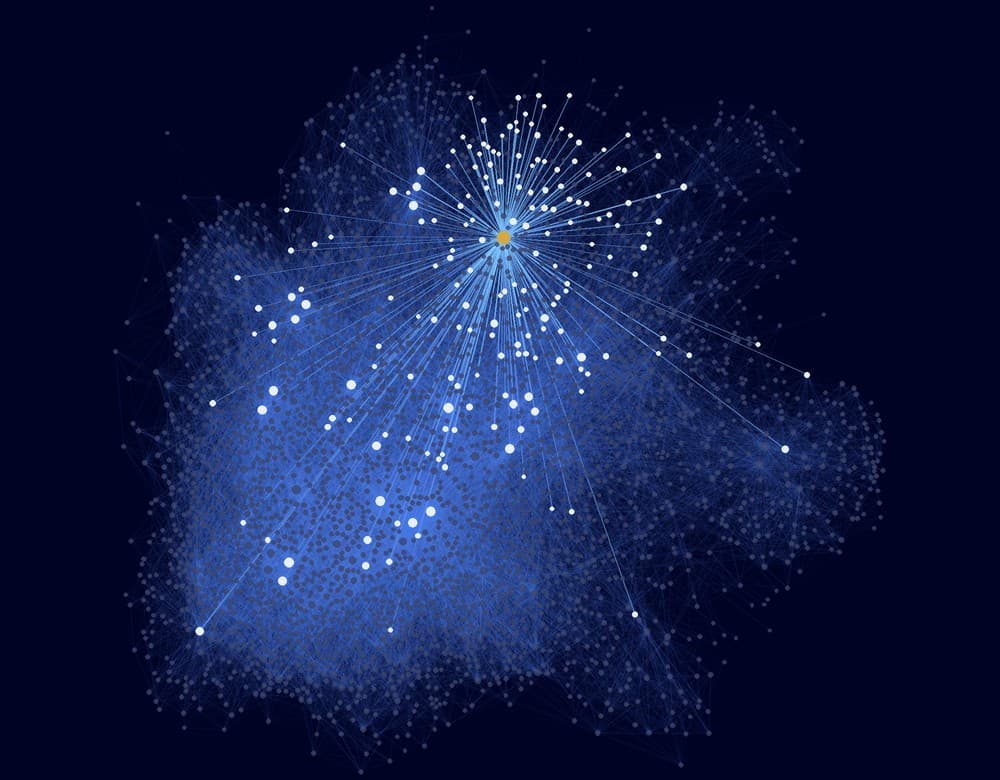
Where did we land on the Harbor renewal?
Read 6 notes
Legal cleared it on 14 October, subject to the revised pricing. Priya owns the side letter, due to Harbor by Friday.
Seven services and a local model.
One rack, two planes and one door between them. The memory stays put while models come and go.
Context plane · the brain server
A personal brain for each key person, and a shared brain for each team.
Between the planes
One door for every model call, metered and under the enterprise's control.
Model plane · the compute core
A leading open model, served on the rack. The enterprise chooses it, and can change it on the same hardware.
Hosted models
Frontier models through the same gateway, only where policy allows. The gateway never falls back to the cloud on its own.
Alexandria
Outgrow the context window.
A model's context window holds one session, then forgets it. Alexandria gives each person and each team a brain: years of linked notes that grow every day they work with AI, so every prompt starts from what they already know.
Illustrative: one brain, 4,218 notes and 52,906 links.
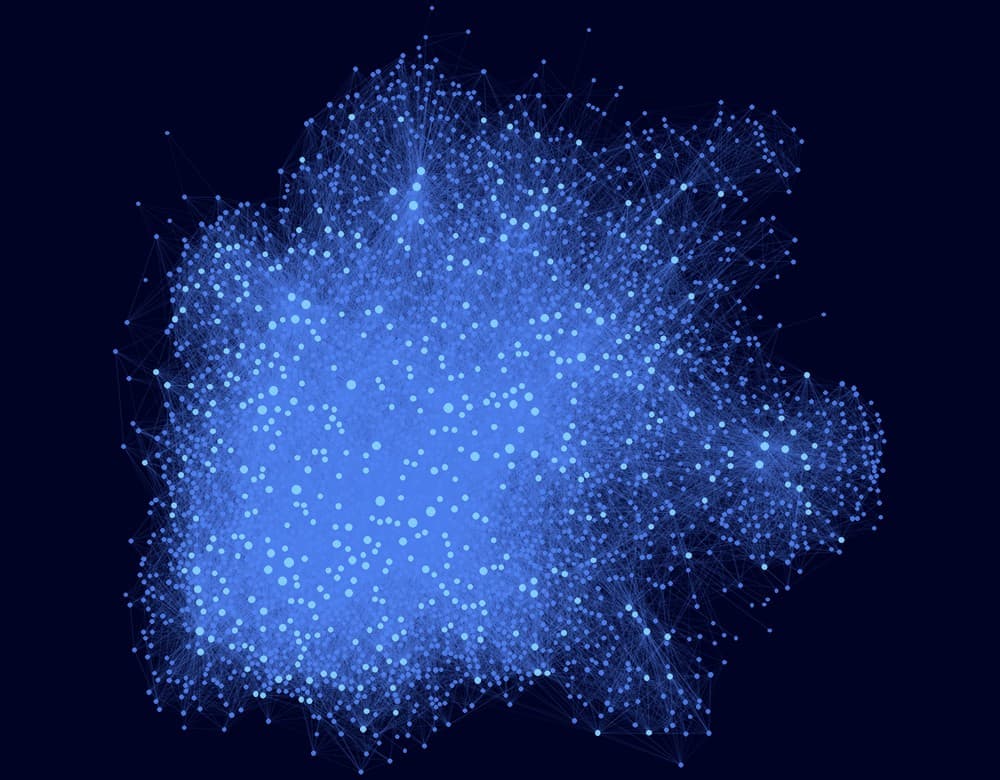
A brain for each person, and each team
It keeps what they know, decide and work on. Their AI starts from it, never from empty.
The right context, every prompt
Years of notes, and each task draws only what it needs, so the model works far past one window.
Context banked, tokens saved
Understanding is built once and kept, not paid for again in every prompt.
Agents no base model can match
They know the enterprise's people, decisions, documents and history, on whichever model it runs.
Works in the chat clients people already use.
Each brain runs as its own MCP server on the rack. People reach it securely from any MCP-compatible chat client, inside the enterprise network, with no new app to learn.
Any MCP client
MCP is the open standard Claude, ChatGPT and other chat apps use for connectors.
On existing devices
Laptops or VDI, inside the network, behind the firewall.
One door for models
The same client reaches the rack's local model through the gateway.

Intelligence is a commodity.Context isn't.
Every new model is smarter. None of them knows the enterprise. Alexandria does.
Talk to us